
All Cursor Packs
Browse our full collection of custom cursors. Find your next favorite style and install it for free.
 Christmas Gingerbread cursorGet into the holiday mood with a cute and fun Christmas Gingerbread custom cursor, perfect for bringing a bit of festive joy to your digital experience.
 Christmas Rick and Morty cursorRick and Morty is a science fiction comedy series from the United States. Merry Christmas and Happy New Year!
 FNF Sky cursorCustom cursor with Sky is a good opportunity to change the usual mouse to the fans cursors from the Friday Night Funkin collection.
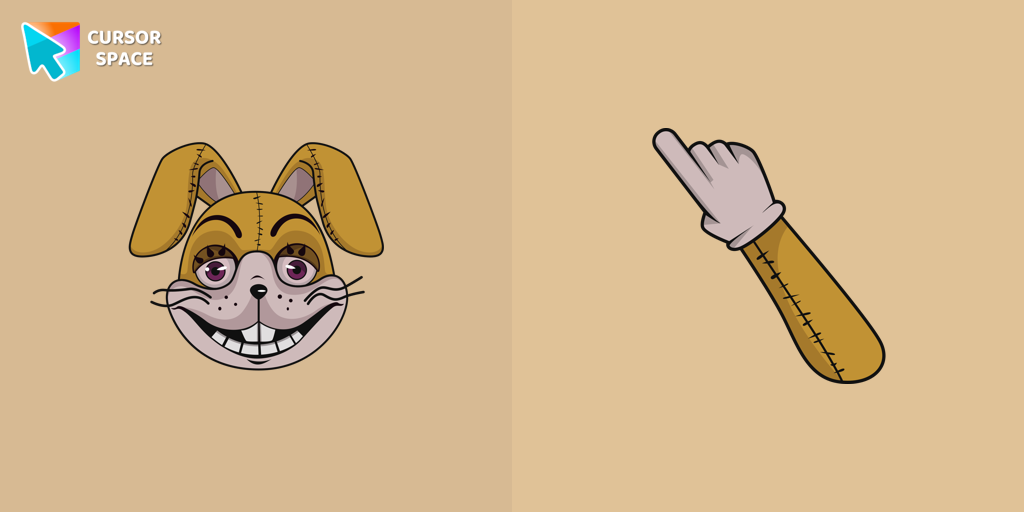 Glitchtrap cursorAdd a Glitchtrap cursor in the collection of custom cursors with characters for the browser.
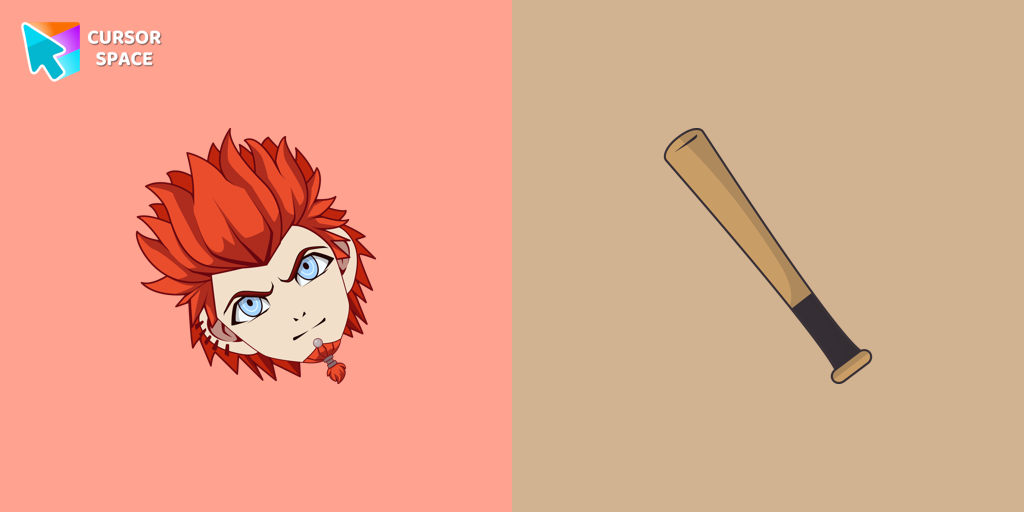 Leon Kuwata cursorA student of Hope's Peak Academy Class 78 and a member of the Killing School Life in Danganronpa, featured in our collection of the same name as a cursor
 Truffles cursorTruffles is a gray-blue boar from Happy Tree Friends. Get a custom cursor for Google Chrome featuring Truffles and his hoof from the Happy Tree Friends cursor set.
 Take Care Bear cursorFeaturing the iconic Care Bears character, this cursor adds a touch of charm and nostalgia to your screen.
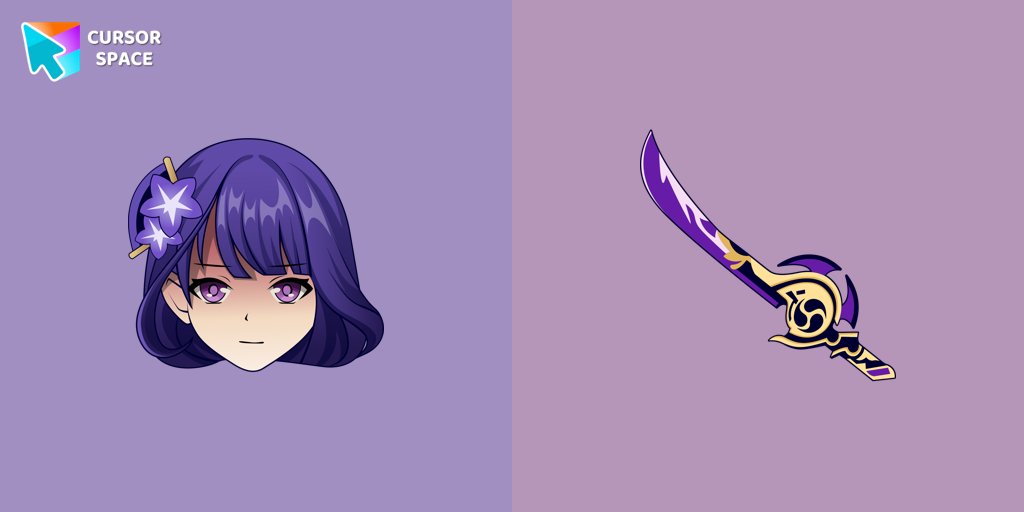 Raiden Shogun cursorIncredible Raiden Shogun as a custom cursor for the mouse and pointer with which we can spend many hours of fun.
 Angry Birds Bomb cursorExplore the Angry Birds Bomb custom cursor to bring your desktop to life. Perfect for fans seeking a unique browsing experience!
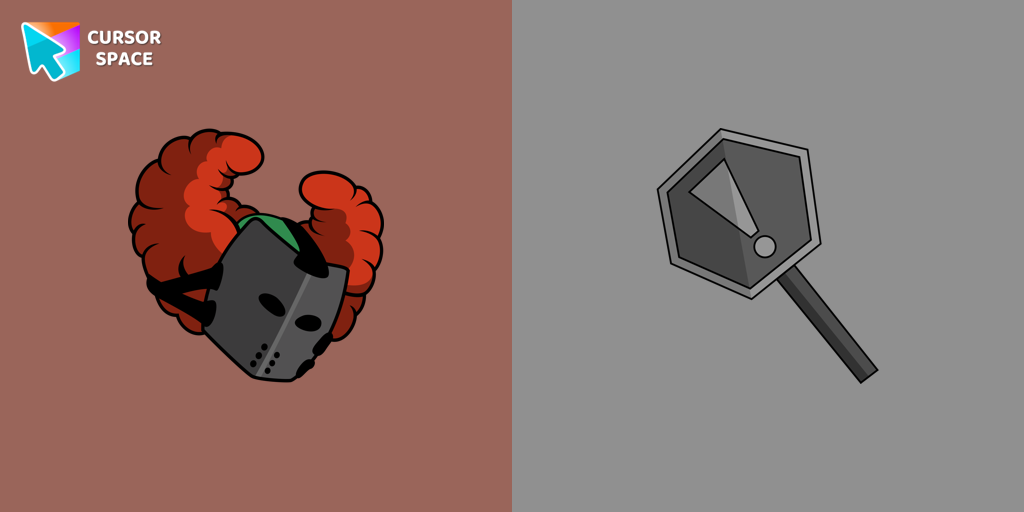 FNF Tricky the Clown cursorThe custom cursor with Tricky the Clown is a detailed illustration of the game's character from Friday Night Funkin.
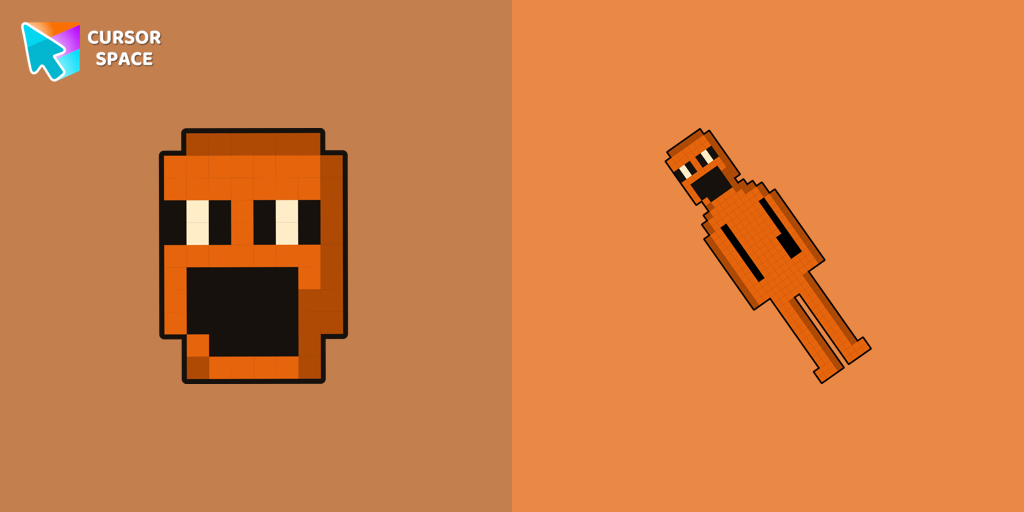 Jack Kennedy cursorJack Kennedy cursor for mouse and custom hover pointer with figurine Jack Kennedy in a game collection of custom cursors.
 Petunia cursorThe Petunia cursor features a blue skunk character with a unique appearance. She has a blue arrow on her head and a pink flower on top.
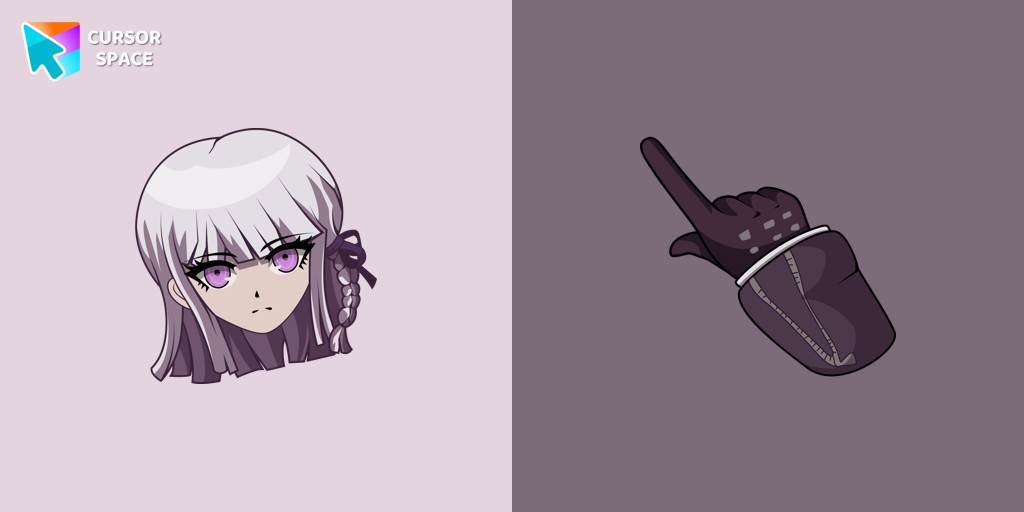 Danganronpa Kyoko Kirigiri cursorA Class 78 student at Hope's Peak Academy and member of the Killer School Life, she is reserved, mysterious, and skilled at analyzing evidence.
 Nago cursorNago, one of Kirby's animal friends, is a round and plump Japanese Bobtail. Originally designed for the game,
 Friend Bear cursorEmbrace Friendship with the Adorable Friend Bear Custom Cursor
 Sonic the Hedgehog cursorInstall the Sonic cursor from our Sonic the Hedgehog custom cursor collection to feel a smile every time while browsing the web.
 FNF Kissy Missy cursorAdd Kissy Missy custom cursor in the collection of custom cursors with Friday Night Funkin for the browser.
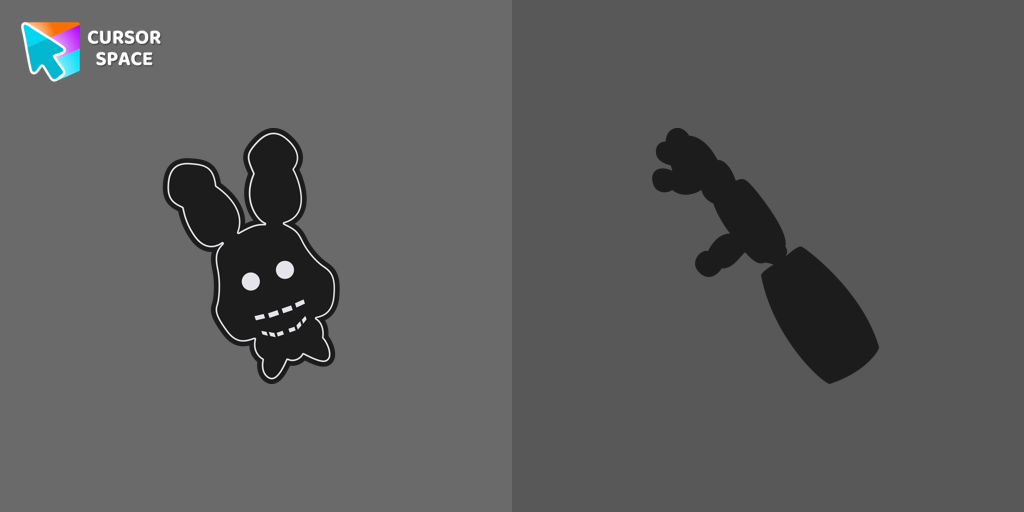 Shadow Bonnie cursorShadow Bonnie custom cursor for the mouse is a pretty character in Five Nights at Freddy's cursor collection for Chrome.
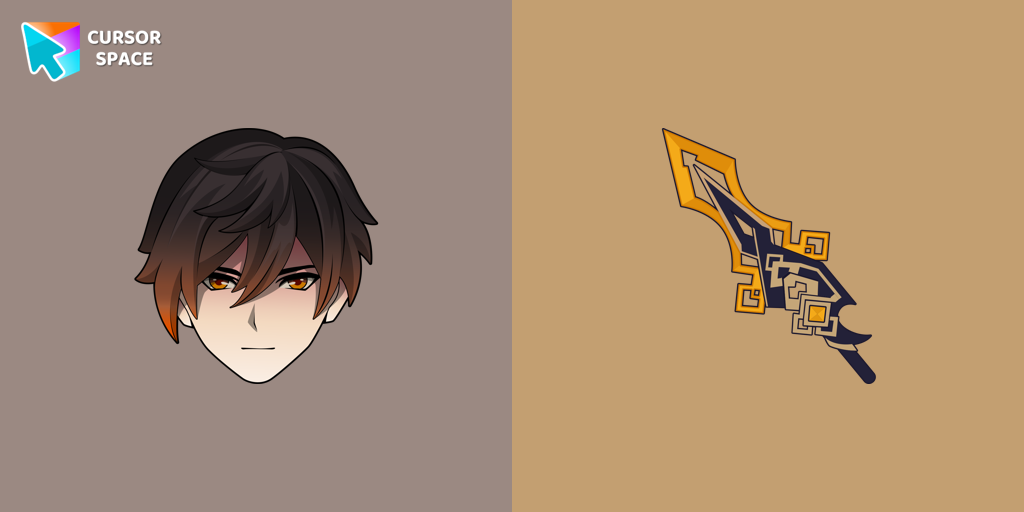 Zhongli cursorWe are glad to present this custom cursor with Zhongli from the adorable custom cursors collection for the mouse and pointer.
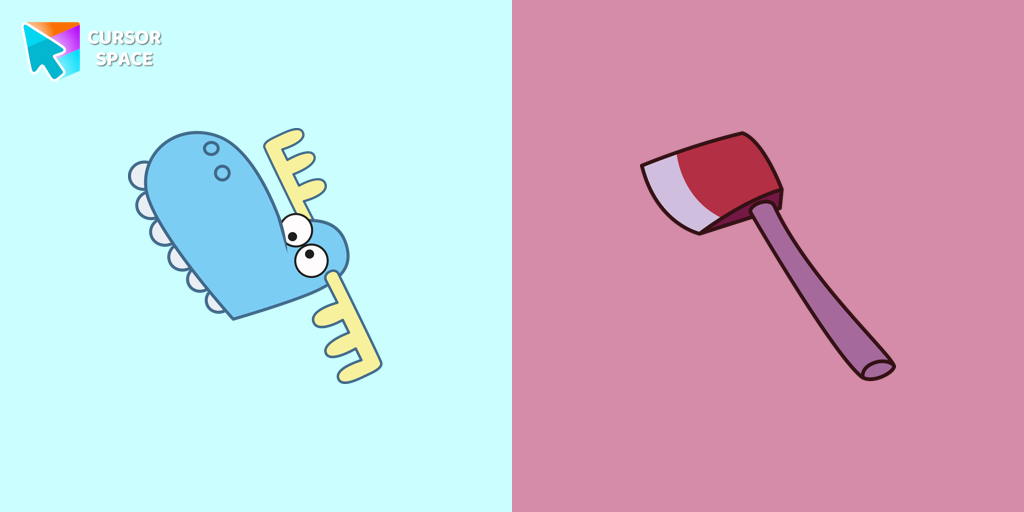 Lumpy cursorLumpy, a dim-witted blue moose from Happy Tree Friends, is a main character featured in almost every episode. Try a fun custom cursor or custom cursor for Google Chrome.
Explore cursor packs by style
Cursor Space packs include curated cursor sets for everyday browsing: cute, minimal, anime, neon, pixel art, and more. Each pack comes with multiple cursor states (like default and pointer) and can be added to your browser in seconds.
Trending now
Fresh picks based on what people install most often.
Collections
Browse themed sets grouped by vibe and aesthetic.
Top charts
See weekly, monthly, and all-time leaders.
How to install a cursor pack
- Open any pack from the grid above.
- Click the install / add button on the pack page.
- If you don’t have it yet, install the Cursor Space browser extension.
- Apply the pack in the extension and enjoy your new cursor.
FAQ
Quick answers to common questions about cursor packs, collections, and installation.
Are cursor packs free on Cursor Space?
Most cursor packs on Cursor Space are free to browse and install. Some packs may be marked premium depending on licensing. The Cursor Space browser extension is free to install from the Chrome Web Store.
Do cursor packs work on Chrome and Edge?
Yes. Install the Cursor Space extension for Chromium-based browsers (Chrome, Edge, Brave), open a pack page, and click install/apply. The extension applies the cursor set across your browser.
How do I install a custom cursor pack?
Open the pack page, click the install or add button, install the Cursor Space extension if prompted, then apply the pack from the extension popup. Your new cursor appears immediately.
Can I change or remove a custom cursor later?
Yes. Open the Cursor Space extension, choose another pack, or restore the default system cursor from the extension settings.
Is the Cursor Space extension safe?
Cursor Space is distributed via the Chrome Web Store and Edge Add-ons. Keep the extension updated, and only install packs from trusted catalog pages on this site.