
All Cursor Packs
Browse our full collection of custom cursors. Find your next favorite style and install it for free.
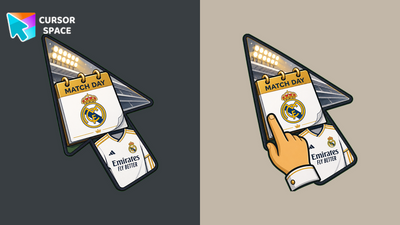 Real Madrid Hoy CursorReal Madrid Hoy Cursor on Cursor Space - match-day calendar arrow with stadium lights and custom pointer.
 RCD Espanyol vs Real Madrid CursorRCD Espanyol vs Real Madrid Cursor on Cursor Space - periquito-inspired blue-white badge arrow.
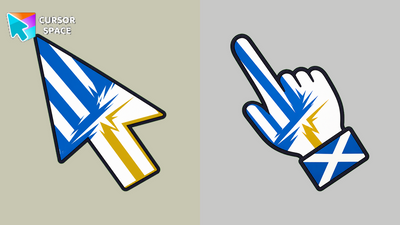 Espanyol x Real Madrid CursorEspanyol x Real Madrid Cursor on Cursor Space - bold X clash graphic arrow with club color blocks.
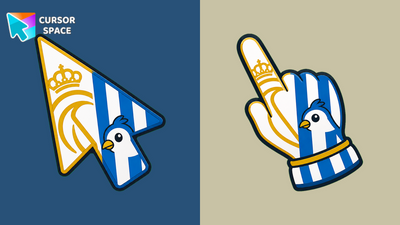 Real Madrid vs Espanyol CursorReal Madrid vs Espanyol Cursor on Cursor Space - white-first derby split arrow and custom pointing hand.
 Real Madrid CursorReal Madrid Cursor on Cursor Space - white-gold crown star fan arrow and matching custom pointer for Chrome.
 RCD Espanyol Real Madrid CursorRCD Espanyol Real Madrid Cursor on Cursor Space - dual pennant arrow in club colors and custom pointer hand.
 Espanyol vs Real Madrid CursorEspanyol vs Real Madrid Cursor on Cursor Space - blue-white and white-gold derby shield arrow with custom pointer.
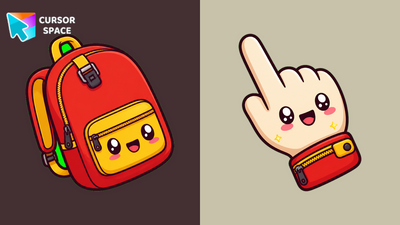 Kawaii Backpack CursorKawaii Backpack Cursor on Cursor Space - red school bag arrow with yellow zipper pocket and custom pointer.
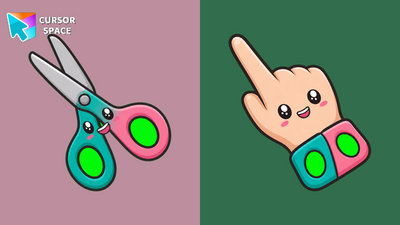 Kawaii Scissors CursorKawaii Scissors Cursor on Cursor Space - teal and pink safety scissors arrow with cute kawaii handles.
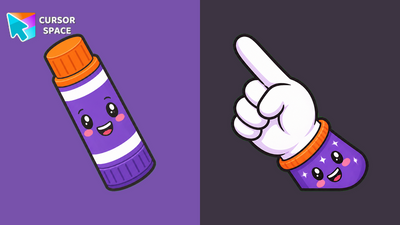 Kawaii Glue CursorKawaii Glue Cursor on Cursor Space - purple glue stick arrow with orange cap and playful kawaii eyes.
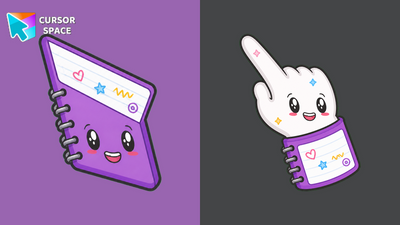 Kawaii Notebook CursorKawaii Notebook Cursor on Cursor Space - purple spiral notebook arrow with doodle pages and custom pointer.
 Kawaii Ruler CursorKawaii Ruler Cursor on Cursor Space - sunny yellow ruler arrow with tick marks and a cheerful kawaii smile.
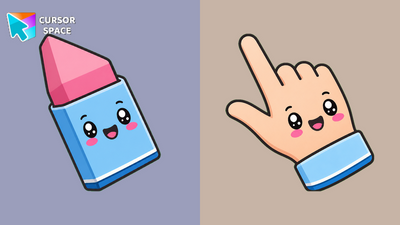 Kawaii Eraser CursorKawaii Eraser Cursor on Cursor Space - chunky pink eraser arrow in a blue sleeve with sweet blush cheeks.
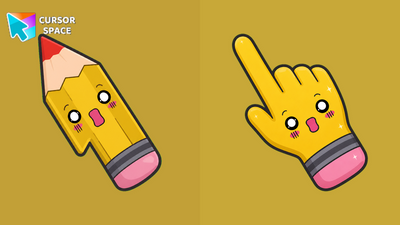 Kawaii Pencil CursorKawaii Pencil Cursor on Cursor Space - sunny yellow pencil arrow with pink eraser and surprised kawaii face.
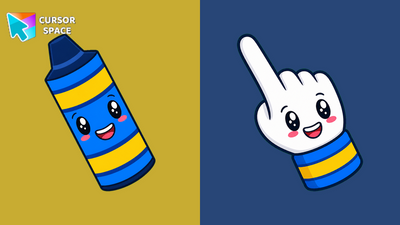 Kawaii Crayon CursorKawaii Crayon Cursor on Cursor Space - cheerful blue crayon arrow with yellow bands and a matching custom pointer.
 Pixel Orange CursorPixel Orange Cursor on Cursor Space - chunky 8-bit arrow and retro pixel pointer for Chrome.
 Pixel Cyan CursorPixel Cyan Cursor on Cursor Space - chunky 8-bit arrow and retro pixel pointer for Chrome.
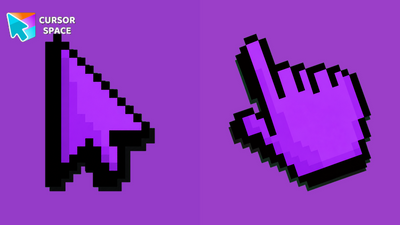 Pixel Purple CursorPixel Purple Cursor on Cursor Space - chunky 8-bit arrow and retro pixel pointer for Chrome.
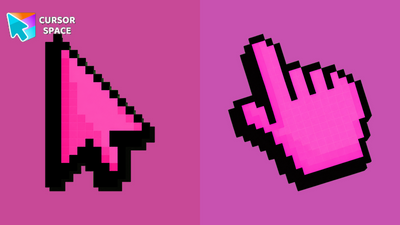 Pixel Pink CursorPixel Pink Cursor on Cursor Space - chunky 8-bit arrow and retro pixel pointer for Chrome.
 Pixel Yellow CursorPixel Yellow Cursor on Cursor Space - chunky 8-bit arrow and retro pixel pointer for Chrome.
Explore cursor packs by style
Cursor Space packs include curated cursor sets for everyday browsing: cute, minimal, anime, neon, pixel art, and more. Each pack comes with multiple cursor states (like default and pointer) and can be added to your browser in seconds.
Trending now
Fresh picks based on what people install most often.
Collections
Browse themed sets grouped by vibe and aesthetic.
Top charts
See weekly, monthly, and all-time leaders.
How to install a cursor pack
- Open any pack from the grid above.
- Click the install / add button on the pack page.
- If you don’t have it yet, install the Cursor Space browser extension.
- Apply the pack in the extension and enjoy your new cursor.
FAQ
Quick answers to common questions about cursor packs, collections, and installation.
Are cursor packs free on Cursor Space?
Most cursor packs on Cursor Space are free to browse and install. Some packs may be marked premium depending on licensing. The Cursor Space browser extension is free to install from the Chrome Web Store.
Do cursor packs work on Chrome and Edge?
Yes. Install the Cursor Space extension for Chromium-based browsers (Chrome, Edge, Brave), open a pack page, and click install/apply. The extension applies the cursor set across your browser.
How do I install a custom cursor pack?
Open the pack page, click the install or add button, install the Cursor Space extension if prompted, then apply the pack from the extension popup. Your new cursor appears immediately.
Can I change or remove a custom cursor later?
Yes. Open the Cursor Space extension, choose another pack, or restore the default system cursor from the extension settings.
Is the Cursor Space extension safe?
Cursor Space is distributed via the Chrome Web Store and Edge Add-ons. Keep the extension updated, and only install packs from trusted catalog pages on this site.